Getting Free Result Images from mazebrite.com
mazebrite
So in this post, I’ll show you how to get the result images from mazebrite
Note:
- This trick works as of right now (28/11/2022), no guarantees about the future :D
- MiTi is just sharing the trick to grab the images; as for copyright and whatnot, you’re on your own :D
Let’s go!
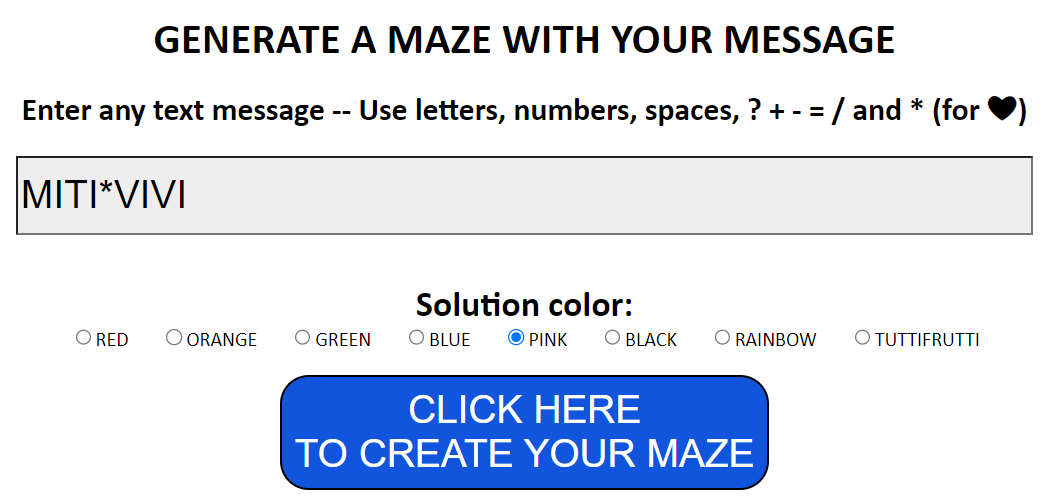
- Go to mazebrite
.com and generate a maze as usual.
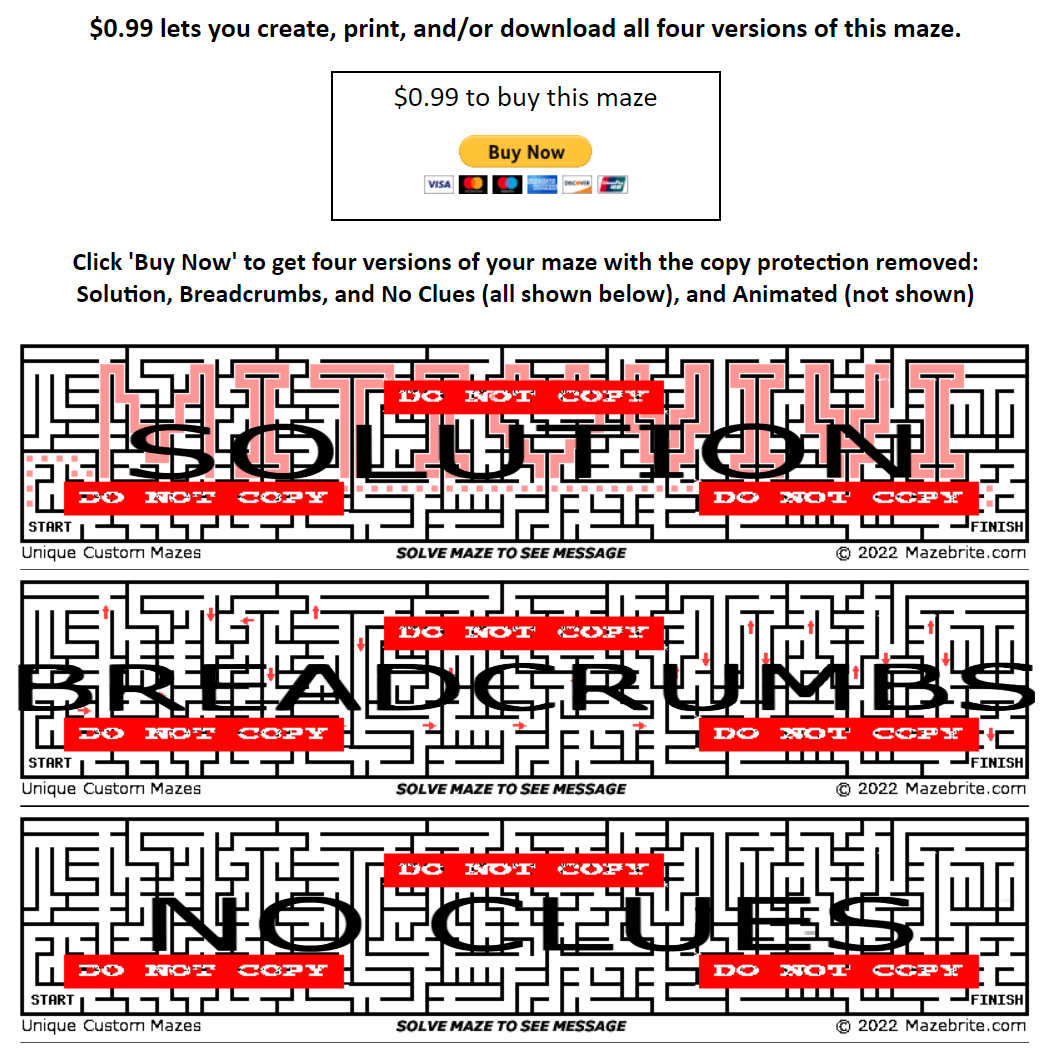
You will get 3 watermarked images like this:
- Open Inspect by right-clicking -> selecting Inspect, or pressing the shortcut key (F12) or Ctrl + Shift + I. Then switch to the Elements tab. Find the
<div>tag with the id MazeSolution. The underlined part in the screenshot below is the image link.
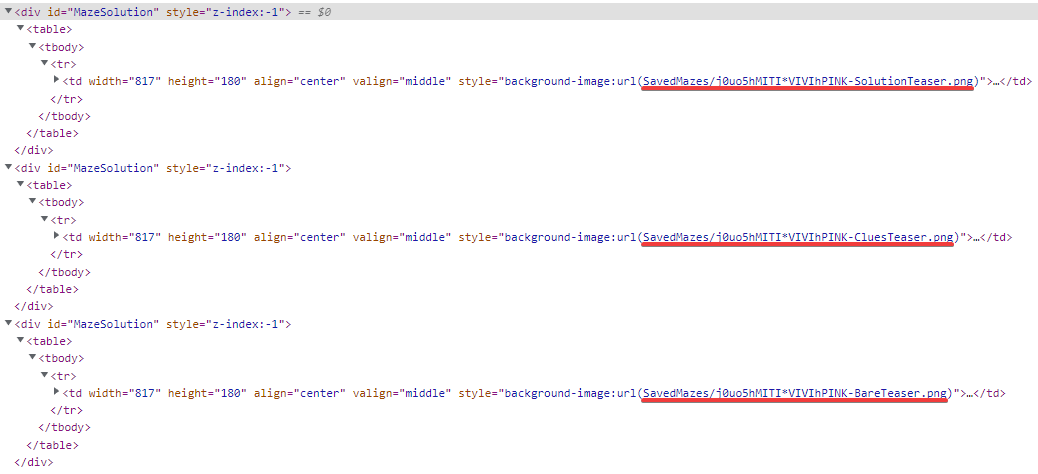
Now, remove the word Tester and prepend mazebrite.com to get the full result image URLs. For example, from the screenshot above, I got these 3 links:
- https://
www .mazebrite .com/ SavedMazes/ j0uo5hMITI*VIVIhPINK-Solution .png 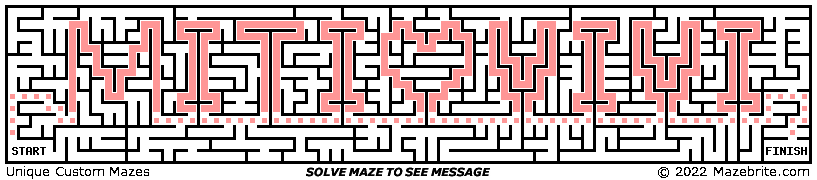
- https://
www .mazebrite .com/ SavedMazes/ j0uo5hMITI*VIVIhPINK-Clues .png 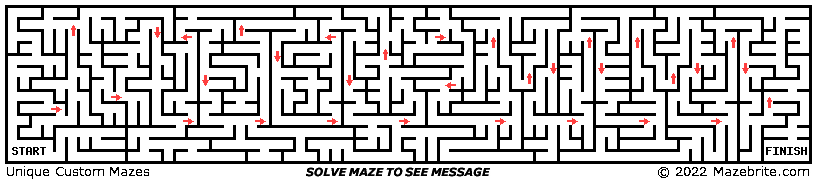
- https://
www .mazebrite .com/ SavedMazes/ j0uo5hMITI*VIVIhPINK-Bare .png 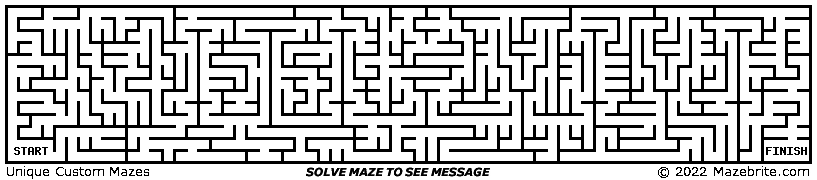


Good luck! Support MiTi on this site and on Facebook.
Comments